Aisongs

Guided listening

Use a suno ai tutorial youtube video to make your first song

A suno ai tutorial youtube video is easier to follow when you have a specific song in mind. Use this Aisongs guide to prepare a prompt, compare the results you hear, and decide what to change next.

prerequisites

Before pressing play on YouTube, write down a subject, a musical direction, and the job your song needs to do. Keep your first attempt simple enough to revise.

Prepare a goal that fits your project

A useful YouTube walkthrough shows a process, not a guaranteed result. Pick one of these goals before following along, then judge the AI songs against that goal.

First-time songwriter

You have a chorus idea but no complete arrangement. Describe its mood, pace, and subject before you watch.

Listen for whether the generated chorus communicates your idea; revise the description rather than copying the video's prompt.

how do i use ai to generate a song
Video creator

You need music for a short scene. Note where the scene changes and whether a vocal would compete with dialogue.

Compare the opening and ending against your edit before settling on a direction.

suno ai music generator

Demo maker

You want to test whether a lyrical idea works in a different style. Keep the lyric's core message steady.

Change one musical instruction at a time so you can tell what improved.

how to use suno ai better

Curious listener

You want to understand why some AI songs feel convincing. Listen separately to phrasing, transitions, and repeated sections.

Build a short checklist of qualities to seek in your own attempts.

ai songs that sound real

one full run-through

For a suno ai tutorial youtube follow-along, pause the video at each decision. Use your own subject so you learn the workflow instead of reproducing someone else's AI songs.

  1. 1

    Write a testable prompt

    Start with a concrete scene: a reflective song about the last train home, with restrained verses and a brighter chorus. Add only the musical details you can recognize by ear. Keep a copy of this first version so later changes are easy to compare.

  2. 2

    Follow the creation step

    Watch how the presenter enters an idea and reviews the available choices, then make your own attempt through the linked music experience. The interface or available controls may differ from the YouTube recording; follow the purpose of each action rather than its exact screen position.

  3. 3

    Listen, revise, and compare

    Play the result from beginning to end. Note whether the words are clear, the sections contrast, and the ending suits your intended use. If the chorus is too subdued, revise that instruction alone and compare the next result with the first.

options table

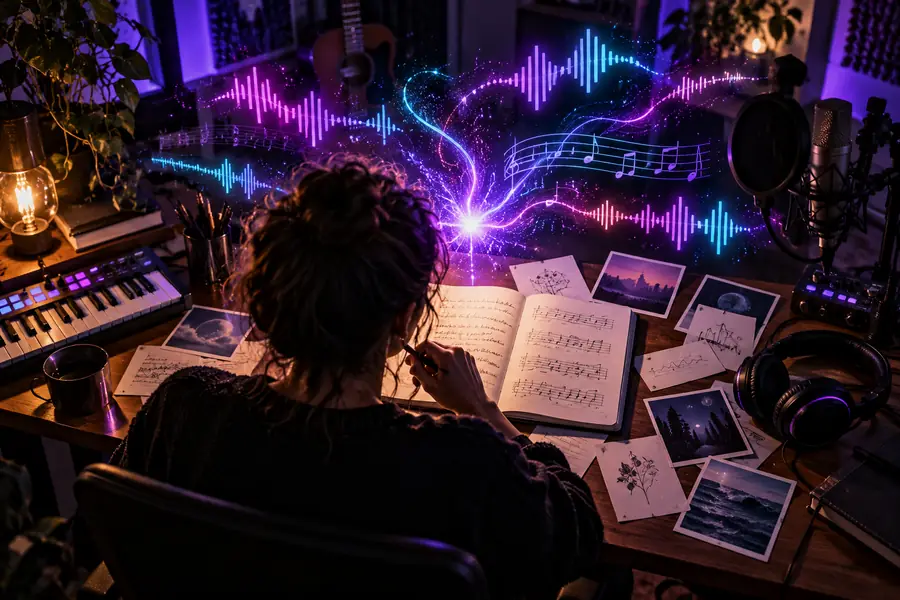
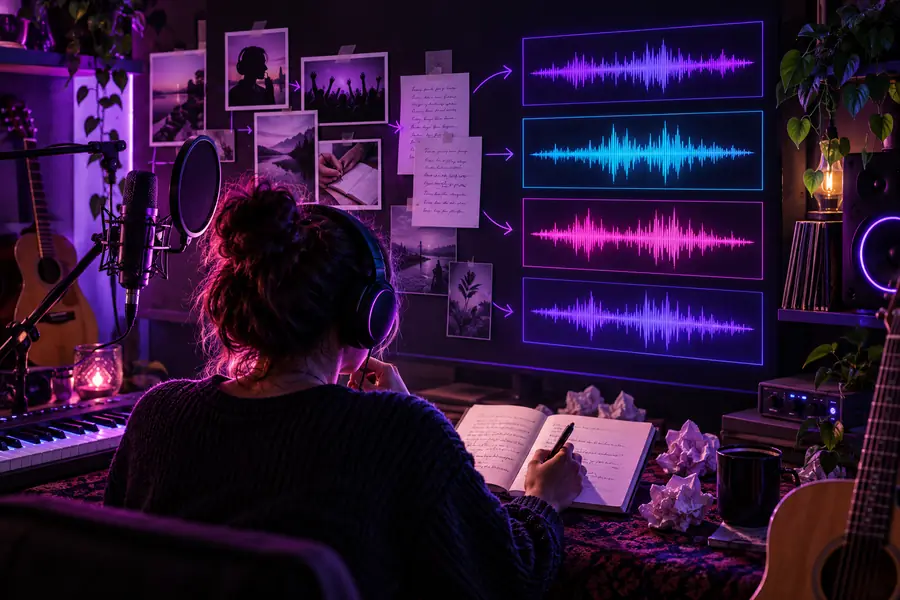
Treat these as two decisions in an AI songs workflow: first describe the idea, then assess what you hear. Neither image is a screenshot of Suno or a promise of a particular output.

Illustration representing the stage of developing a song idea Before: define subject, mood, and structure
Example music illustration representing a result to review After: review vocals, sections, and ending
If a YouTube presenter changes several settings at once, make a simpler comparison yourself: keep the subject fixed and change one instruction. That gives you a clearer reason to keep or reject the next version of your AI songs.

what fails

A recording can teach the sequence, but it cannot ensure the same interface or the same-sounding song. These are the points most worth checking as you follow along.

An old video shows different controls

Buttons, labels, and available choices can change after a YouTube tutorial is published. Aisongs cannot make an older recording match the current product.

Workaround

Match the presenter's goal—enter an idea, review a result, or revise a prompt—to the choices you can actually see.

The same prompt produces a different song

A prompt is a direction, not a fixed recording. Reusing the video's wording does not guarantee matching AI songs.

Workaround

Judge whether your result serves your own subject and mood; save useful wording from each attempt.

The result needs another pass

A catchy opening may lead to unclear words, an uneven chorus, or an ending that does not suit the project.

Workaround

Listen all the way through and revise the most important flaw before changing anything else.

Publication rights remain unclear

A YouTube walkthrough does not establish the rights to distribute a result or use it in a commercial project.

Workaround

Check the applicable product terms and any distribution platform's rules before publishing.

Put the walkthrough into practice

Try your own song direction

Take the scene, mood, and chorus instruction you prepared while watching. Make an attempt, listen for the gap between your idea and the result, and use that gap to guide your next revision. The linked experience may have its own access terms and controls.

Explore song creation
  • Start with your own subject
  • Listen through before revising
  • Change one instruction at a time

its own FAQ

Use the video to understand the order of decisions, not to find an identical button layout. Look for the current way to enter an idea, review a result, and make a revision. If an option is missing, continue with the choices the current interface provides.

Copying it can help you recognize what the presenter changed, but it teaches you less about your own song. Substitute your subject and keep a note of the musical instructions you use. That makes later comparisons of your AI songs more useful.

The recording demonstrates a workflow rather than a reproducible final track. Your wording, the choices available when you try it, and the resulting audio may differ. Compare whether your song meets its intended mood instead of trying to match the video note for note.

Listen to the complete track for intelligible words, consistent sections, and a usable ending. Then check the terms that apply to your creation and the rules of the platform where you intend to share it. A tutorial alone cannot grant publication rights.

Open Kyncept Suno
Open Kyncept Suno