Video editor
You need a short, upbeat bed that leaves room for spoken narration.
Write a prompt with the desired energy, instruments, and an unobtrusive arrangement; check usage terms before publishing the video.
free ai music generator from textPrompt-first guide
Aisongs helps you turn a rough idea into a specific song prompt, but the linked Kyncept Suno route requires four credits per two-song request. Its three signup credits alone cannot fund a first request, so check the current price before generating.
This example stays on Aisongs. Sign in and choose or create a folder before entering your own prompt at Kyncept. Suno creates two tracks per request at two credits per track (four total); the three signup credits do not cover that first request. Check usage rights before publishing.
Example to copy yourself
Upbeat instrumental with warm piano, a steady electronic beat, and a short ending for a travel video.
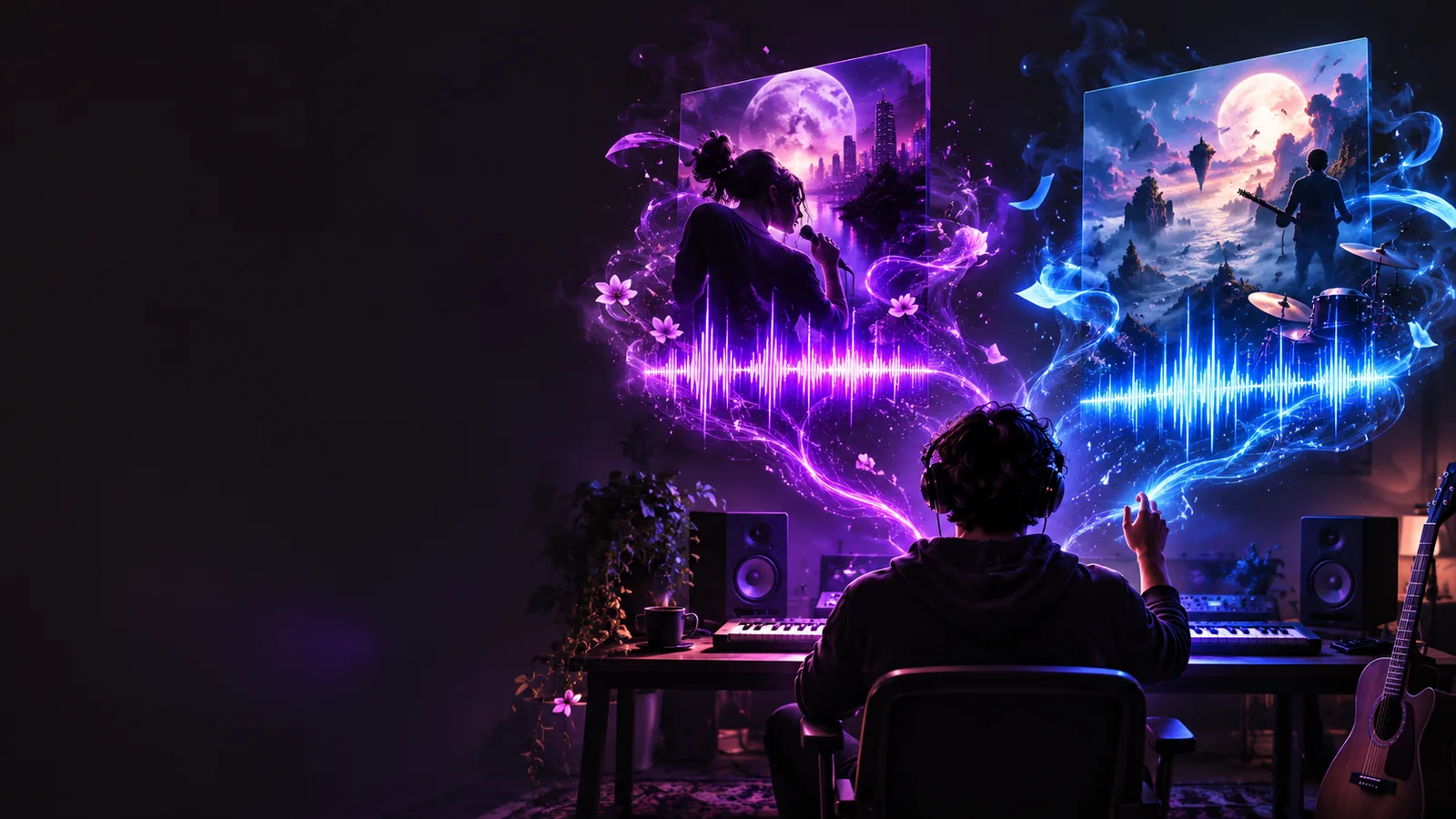
Start here if access is your first question; use the broader guides when you want to explore formats or learn the process in more depth.
Clarify your intended sound, choose a useful starting route, and decide what to verify before relying on an output. These examples show how those decisions change by project.
You need a short, upbeat bed that leaves room for spoken narration.
Write a prompt with the desired energy, instruments, and an unobtrusive arrangement; check usage terms before publishing the video.
free ai music generator from textYou have a chorus concept but have not chosen an arrangement.
Describe the tempo and emotional turn first, then decide whether the result needs a vocal or an instrumental direction.
free ai music generator with vocalsYou want an intro idea with a recognizable mood rather than a finished theme.
Test one narrowly described concept and compare what you hear against your brief before making another attempt.
ai songs freeYou want to understand the process before spending time refining prompts.
Use a simple brief, listen critically, and consult a walkthrough for the next iteration.
how to use ai songs for freeTreat your first attempt as a test of both the prompt and the access conditions, not as a promise of a finished track.
Name the intended use, mood, pace, instruments, and whether you want vocals. One coherent direction gives you something concrete to evaluate.
Open the linked music tool and read the current terms shown there. Confirm any account requirements, available attempts, output options, and permitted uses before proceeding.
Compare the result with your brief. Change one major element at a time, such as the tempo or instrumentation, so you can tell whether the next attempt improved it.
This comparison is about choosing a guide, not a claim that the linked tool offers different features on different pages.
Main question
Free-access starting point
What access conditions should I check first?
General generator guide
What does a music generator help me make?
Best starting brief
Free-access starting point
One specific song idea to test
General generator guide
A broader goal or format to explore
First decision
Free-access starting point
Verify current entry requirements
General generator guide
Choose the kind of music you want
Prompt emphasis
Free-access starting point
Enough detail for one useful trial
General generator guide
Comparing possible creative directions
Before publishing
Free-access starting point
Check the destination's current usage terms
General generator guide
Check the destination's current usage terms
What neither guide guarantees
Free-access starting point
A free generation or a particular output
General generator guide
A free generation or a particular output
 Starting concept
 Prompt-led direction
The word “free” does not establish what a particular music tool currently allows. Confirm the terms at the destination rather than treating a search result as a feature list.
Access conditions may change, and this page cannot confirm whether a generation is available without payment or an account.
Workaround
Read the destination's current access details before entering a prompt.
Making a song and receiving permission to distribute or monetize it are different questions.
Workaround
Check the applicable license and platform rules before publishing.
A prompt can guide an attempt but cannot guarantee the exact voice, timing, structure, or mix you imagined.
Workaround
Keep your brief specific, listen to the result, and revise one requirement at a time.
A page image cannot demonstrate how a generated track sounds or whether an output format is available.
Workaround
Evaluate audio and export options in the destination itself.
Use a prompt that states the mood, instrumentation, and intended use. Once you arrive, check the current access and usage terms before generating or sharing anything.
Try song promptNo. Search wording does not establish a tool's current access conditions. Check the destination for account requirements, available attempts, and any restrictions before you start.
Start with the intended use, mood, pace, and two or three sonic details, such as instruments or vocal direction. A focused brief is easier to judge and revise than a long list of conflicting styles.
That depends on the tool's current license, the material in your song, and the rules of the platform where you publish it. Review those terms for your intended use rather than assuming generation includes distribution rights.
Music prompts describe a direction, not an exact performance specification. Listen for the largest mismatch, then adjust one element—such as pace, instrumentation, or vocal presence—on your next attempt.