Aisongs

Creator guide

How to Prepare AI Songs on YouTube

A finished track is only one part of a YouTube upload. Give listeners a reason to click, make the video worth watching, and check the rights and disclosures that apply to your music and visuals.

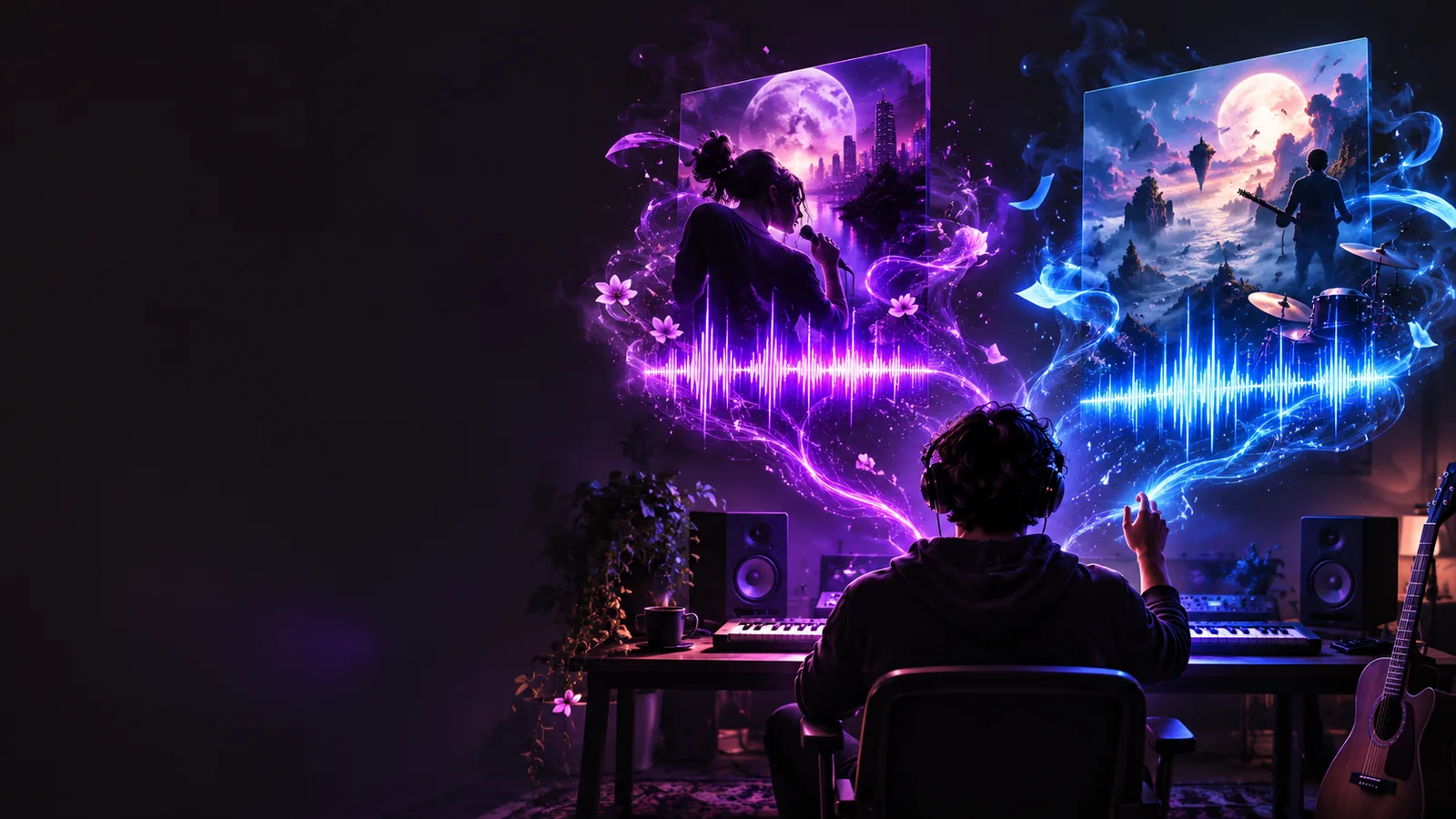
Aisongs music-themed artwork

What this scenario must deliver

Think of each upload as a complete release package: audio, a suitable video, identifying details and a documented review before publishing.

Each item

Work through the package in sequence so a compelling track does not reach the upload stage without a usable presentation.

  1. 1

    Choose the track and its audience

    Pick the strongest version, then write down its mood, genre and intended listener. Check the opening seconds, transitions and ending; AI songs can sound promising in a short excerpt while needing edits as full-length pieces.

  2. 2

    Build a video that matches

    Choose footage, animation, a lyric treatment or artwork you have permission to use. Make sure on-screen words match the recording, text stays readable on a phone and the visual has an intentional opening frame.

  3. 3

    Review the upload details

    Write a specific title and description, add appropriate credits, and inspect the thumbnail. Before publishing on YouTube, review the current platform rules and any disclosure options relevant to your content.

Quality bar

A recognizable visual direction helps an AI song feel like a deliberate release rather than an audio file placed against an unrelated image.

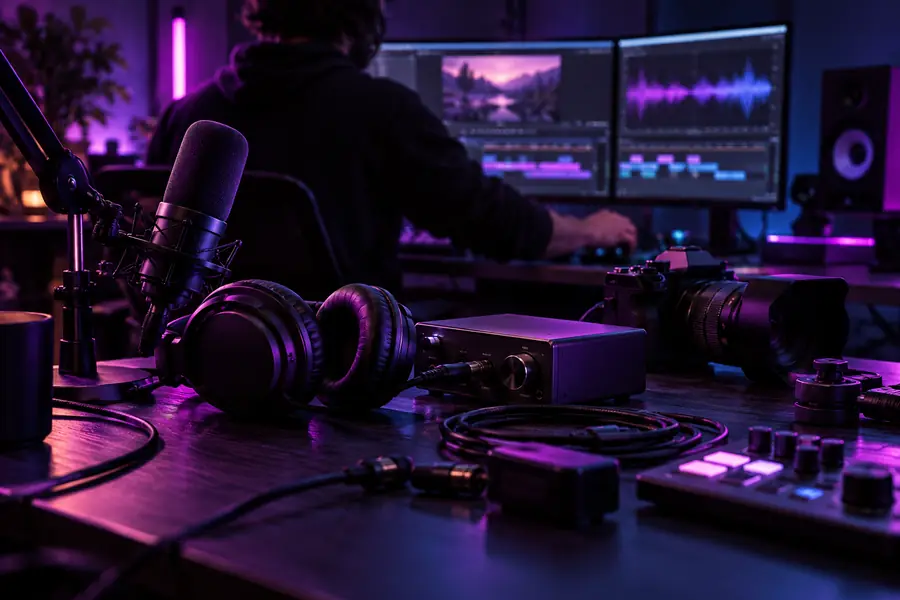
Video creator equipment in a dark editing space Production workspace
Music-themed artwork prepared for a YouTube-focused page Planned music visual
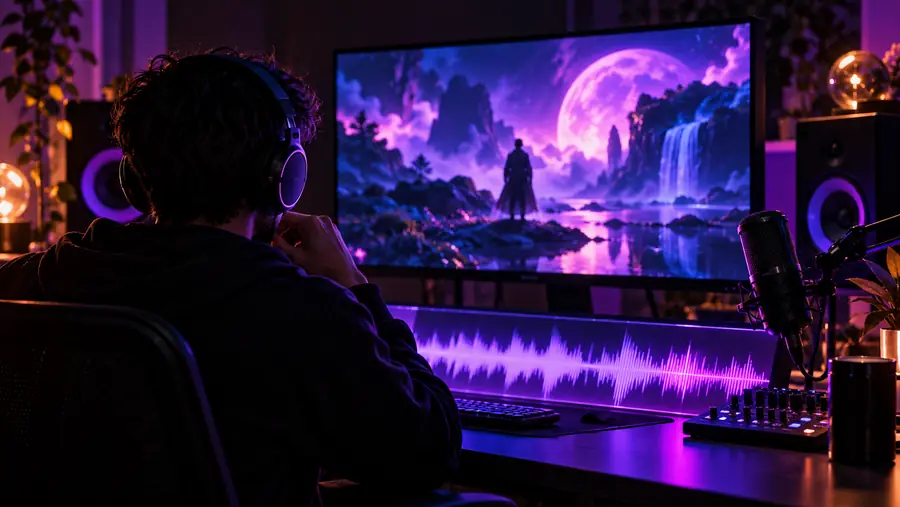
These images illustrate the planning shift, not a generated before-and-after result. For an actual upload, check audio levels, visual legibility, image rights and how the title and thumbnail look at small size.

Choose a format for the listener

The same track can serve different audiences, but its video should match what each audience expects to see and hear.

Music curator

You want a full-track video that gives listeners the song without distracting from it.

Use a consistent visual identity and clear credits; compare that approach with discovery of the best AI songs on a streaming service.

best ai songs on spotify

Short-form creator

You have a memorable chorus but are not sure whether it will hold attention in a full video.

Test a concise excerpt with a visual that establishes the mood immediately; see how popular AI songs work in short-form feeds.

popular ai songs tiktok

First-time songwriter

You have a video concept but still need a track with a fitting pace and structure.

Develop the song before editing footage to it; the song-generation guide offers a starting workflow.

how do i use ai to generate a song

Common rework

Most avoidable revisions happen when the song and video are treated as separate projects. Use this comparison to catch mismatches before upload.

Likely rework
More deliberate choice

Opening

Likely rework

A long blank or static lead-in

More deliberate choice

An opening image and sound that establish the track promptly

Visual rhythm

Likely rework

Cuts that ignore the musical phrasing

More deliberate choice

Transitions placed around sections or meaningful beats

Lyrics

Likely rework

Unverified captions that differ from the vocal

More deliberate choice

Words checked against the final audio before export

Thumbnail

Likely rework

Detailed text that disappears at small size

More deliberate choice

A legible focal point and a concise title

Credits

Likely rework

Missing or vague attribution

More deliberate choice

Accurate credits for contributors and licensed assets

Rights and disclosure

Likely rework

Assumptions about what AI use permits

More deliberate choice

A review of tool terms, asset permissions and current YouTube requirements

Make the next track with its video in mind

Start with a song concept

Describe the mood, subject and structure you want, then evaluate the result as a complete track before planning its YouTube presentation. Aisongs can help you begin the music-making step; you remain responsible for checking the output and your intended use.

Create a song
  • Choose a clear musical direction
  • Review the full track
  • Plan visuals and credits separately

Scenario FAQ

You can publish eligible music, but using an AI tool does not automatically give you every right needed for an upload. Check the tool's terms, permissions for any samples and visuals, and YouTube's current policies before publishing.

A YouTube upload needs a visual component, even if the music is the focus. That could be artwork, a lyric video, animation or footage, provided you have the necessary rights and the presentation suits the track.

Describe your creative process accurately rather than making claims the audience could misunderstand. Review YouTube's current disclosure requirements for altered or synthetic content, since the applicable option depends on what the upload depicts.

Begin with the strongest appropriate moment, use a visual style that fits the music, and check how the thumbnail reads on a phone. If you show lyrics, verify every line against the final recording.

Monetization depends on your rights, the platform's current eligibility and content policies, and any claims attached to the audio or visuals. Do not assume that generating a track grants commercial permission; confirm the terms for each element you use.

Open Kyncept Suno
Open Kyncept Suno