Aisongs

Creator workflow

A Creator’s Guide to Popular AI Songs TikTok Ideas

If you are exploring popular ai songs tiktok ideas, start with the video rather than a trending sound. Aisongs helps you think through the mood, musical moment, and edit before you try a generation tool.

Aisongs music-themed hero artwork

the audience's existing pipeline

Most short-form creators already move from a visual idea to a rough cut, then search for audio that makes the opening and payoff feel intentional.

  1. 1

    Cut the visual story

    Mark the opening frame, the reveal or transition, and the final image. Note their approximate positions in the edit; these moments matter more than a genre label alone.

  2. 2

    Describe the sound’s job

    Decide whether the audio should establish mood, leave room for speech, or hit a visible action. For TikTok, a strong first few seconds may matter more than a long introduction.

  3. 3

    Test against the cut

    Audition a candidate under the actual video, not in isolation. Check where its accents land, whether speech remains clear, and whether the ending feels abrupt.

where we slot in

Aisongs fits at the briefing stage: turn a vague wish for a catchy sound into a specific direction you can test against your edit.

before/after

The useful change is not a promise of virality. It is a clearer brief and a more disciplined way to decide whether music belongs in the video.

Before: vague audio search
After: clip-specific brief

Starting point

Before: vague audio search

Find something catchy for this post.

After: clip-specific brief

Name the clip’s subject, mood, and visible turning point.

Opening

Before: vague audio search

Accept whatever introduction the track has.

After: clip-specific brief

Ask for an immediate musical idea that suits the first frame.

Timing

Before: vague audio search

Hope a beat happens near the transition.

After: clip-specific brief

Mark the transition, then test musical accents against it.

Voiceover

Before: vague audio search

Add narration after choosing a dense track.

After: clip-specific brief

Request space in the arrangement and check speech clarity.

Ending

Before: vague audio search

Fade out wherever the video stops.

After: clip-specific brief

Look for a phrase or edit point that supports the final frame.

Selection

Before: vague audio search

Choose the draft that sounds best alone.

After: clip-specific brief

Compare drafts beneath the video at the same playback level.

Publishing

Before: vague audio search

Assume generated audio is cleared for any use.

After: clip-specific brief

Review the tool’s terms and current platform requirements.

deliverable spec

Aim for an audio direction an editor can evaluate: a clear opening, room for the clip’s message, a timed accent, and an ending that can be cut cleanly.

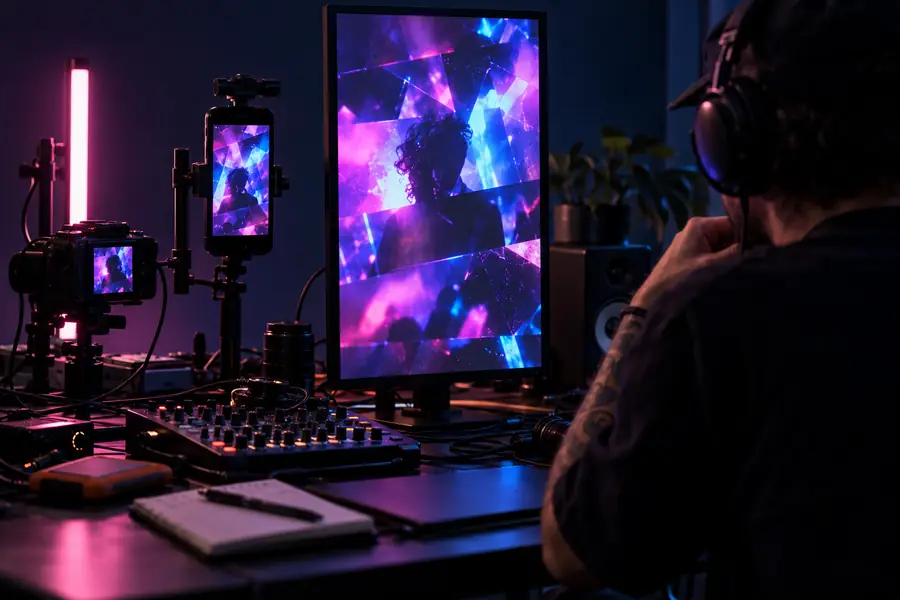
Video-editing equipment representing a clip before its music direction is settled Video edit awaiting audio
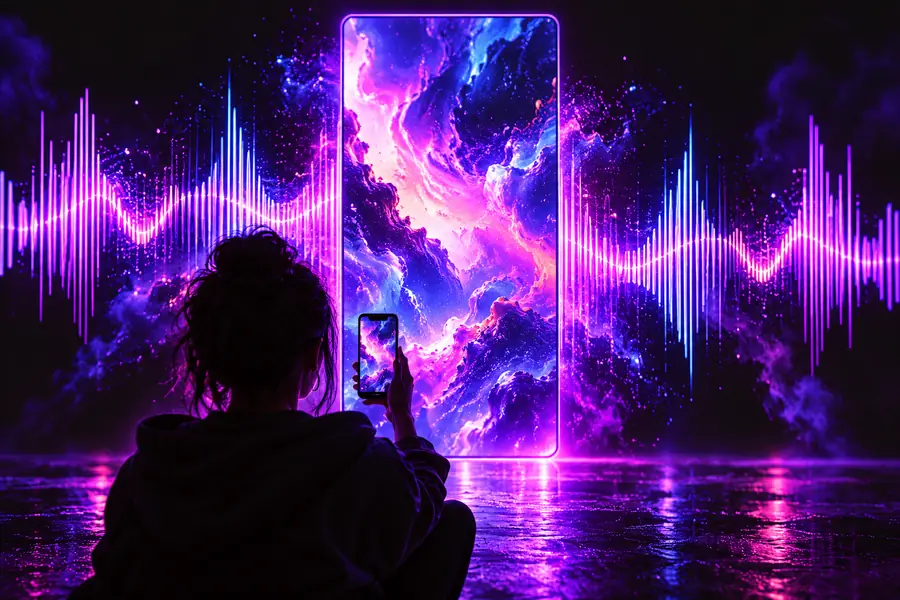
Illustrative artwork representing a short video with a planned music direction Music brief matched to the edit
Illustrative scenes, not screenshots of generated output. A practical brief might read: warm electronic pulse from the first frame, sparse under narration, brighter accent at the product reveal, and a clean ending. Test any resulting audio in the edit before posting.

Creator scenarios

The same brief will not suit every TikTok. Match the music to what viewers need to notice, then keep only the candidate that works with the picture.

Tutorial creator

A quick demonstration has spoken instructions and a visible result near the end.

Try restrained rhythm beneath the explanation and a modest lift at the reveal. If the track masks a step, lower it or choose a simpler arrangement.

ai songs on youtube

Product storyteller

A sequence of close-ups leads to one decisive product shot.

Brief a steady opening with an accent that can meet the final shot. Compare the result with the edit rather than relying on the sound alone.

best ai songs on spotify

Travel editor

A quiet establishing image gives way to faster movement and a wide view.

Look for a natural rise without forcing every cut onto a beat. Test whether the music still supports the opening when heard at low volume.

ai songs on youtube

Comedy creator

A spoken setup ends with a visual punchline.

Leave space for the words, then try a short musical response after the joke lands. Silence may work better than a continuous track.

best ai songs on spotify

Give the edit a music direction

Start with the moment viewers will remember

Write down what happens at the opening, where the video changes, and what the audio must not obscure. Use that brief to explore AI songs, then judge each candidate inside your TikTok edit. Before publishing, verify that your intended use fits the generation service’s terms and the platform’s current rules.

Explore music creation
  • Brief the opening and key visual moment
  • Audition audio beneath the actual edit
  • Check rights before publishing

scenario FAQ

They work when the opening fits the first frame and the musical changes support what happens on screen. A sound that is interesting by itself can still distract from narration or miss the clip’s main reveal.

Watch how music functions in short videos you enjoy: notice the opening, transitions, vocal space, and ending rather than copying a particular track. Describe those functions in your own brief, then test the result against your video.

A rough cut gives you useful timing for a music brief, even if the edit is not final. You can then adjust either the cut or the audio choice when you hear them together.

Permission depends on the generation service’s terms, your intended use, and TikTok’s applicable rules. Check those sources for your specific track and account before posting; generation alone does not establish clearance.

No sound can guarantee an audience or a trend. Music can make a video more coherent, but the visual idea, opening, timing, and viewer response also shape its performance.

Open Kyncept Suno
Open Kyncept Suno